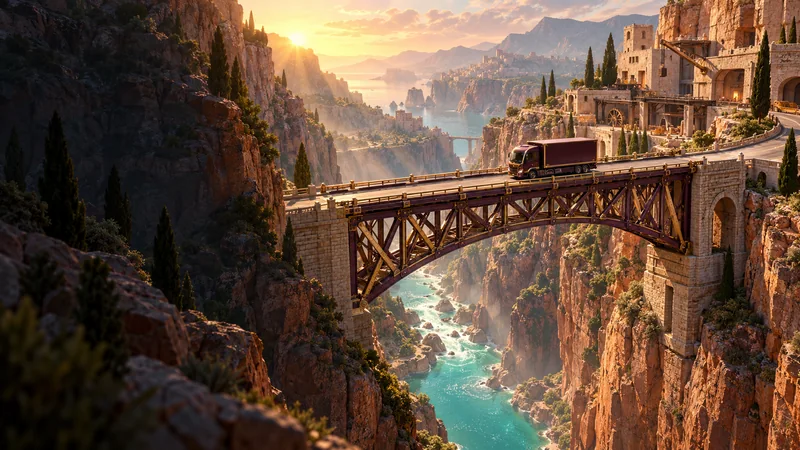
WORKSITE 01 / FOUR CROSSINGS
Terracotta Ravine
Start with a simple span. Learn how triangles carry a load, connect your frame and make a little material go further.
Explore this worksite ↗ MORE THAN A BANANA.PassportMy BANZORAMA
Build what
connects us.
A gap. A little material.
A delivery waiting on the other side.
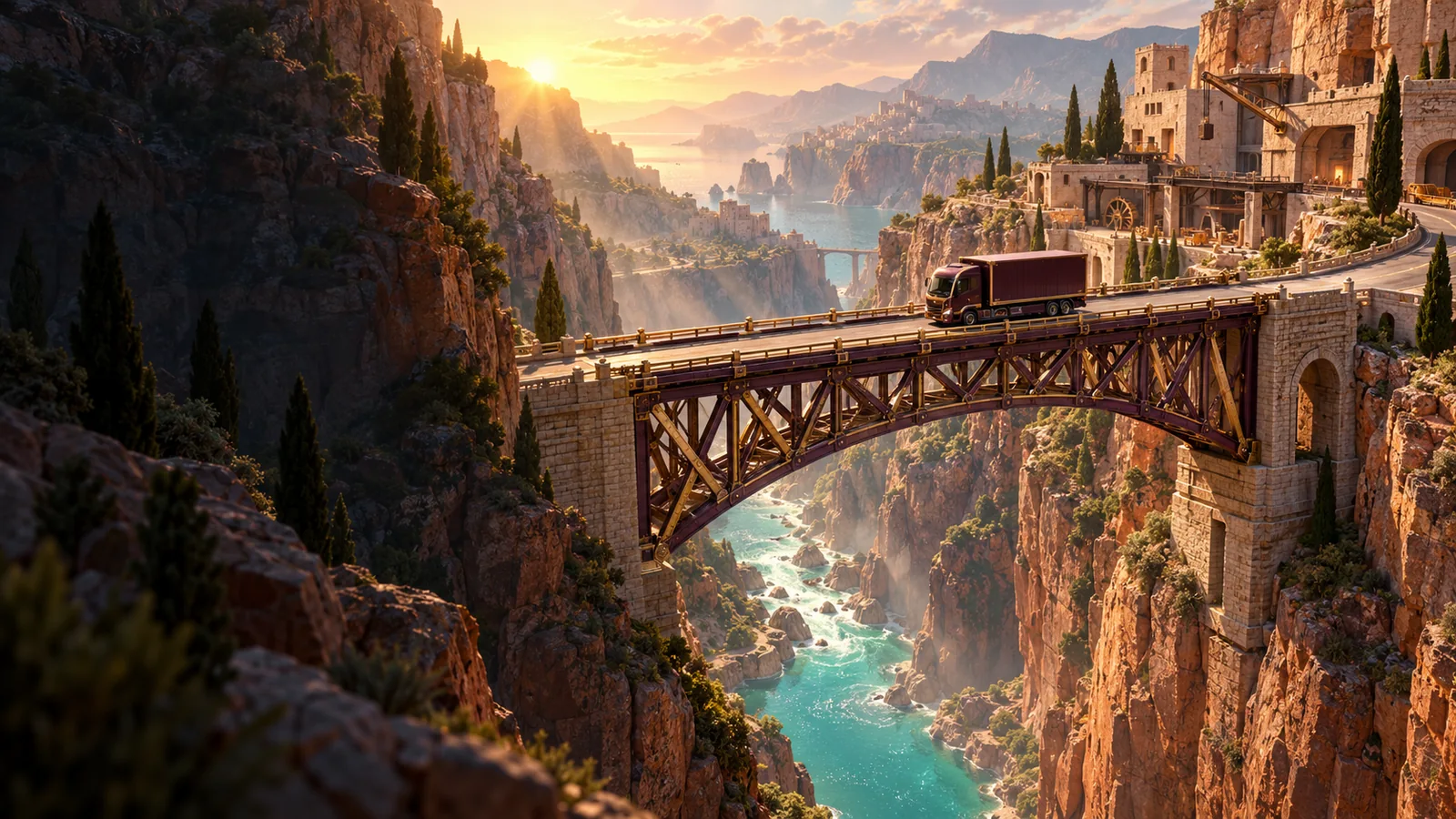
Bridgeworks is BANZORAMA’s bridge-building puzzle. Join the points, choose your materials and send a small cargo truck over your own structure. A good-looking plan is a beginning. The crossing tells you what works.
With Brocko’s field notes beside you, explore how a few useful connections can change the whole design. Start in a warm canyon, climb into the mountains and bring the last delivery home through the harbour.
Opening Brocko’s field book…
Four crossings in each location.
Every worksite is open from the start.
Start with a simple span. Learn how triangles carry a load, connect your frame and make a little material go further.
Explore this worksite ↗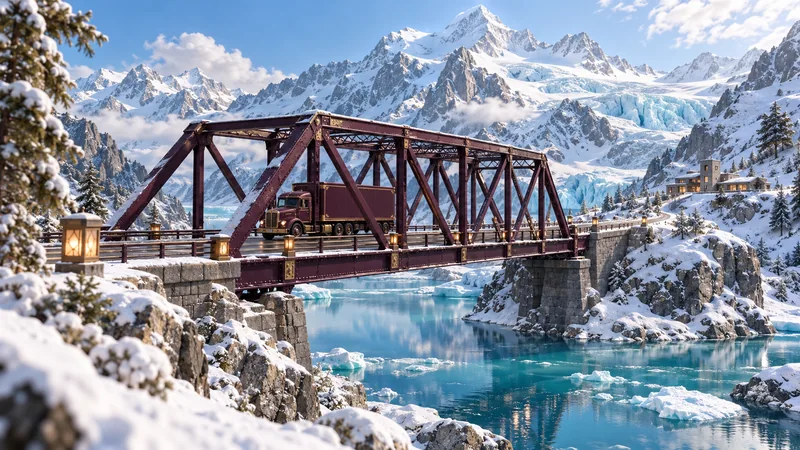
Longer spans and taller frames change the problem. Build above glacial water and leave the final passage below your road clear.
Explore this worksite ↗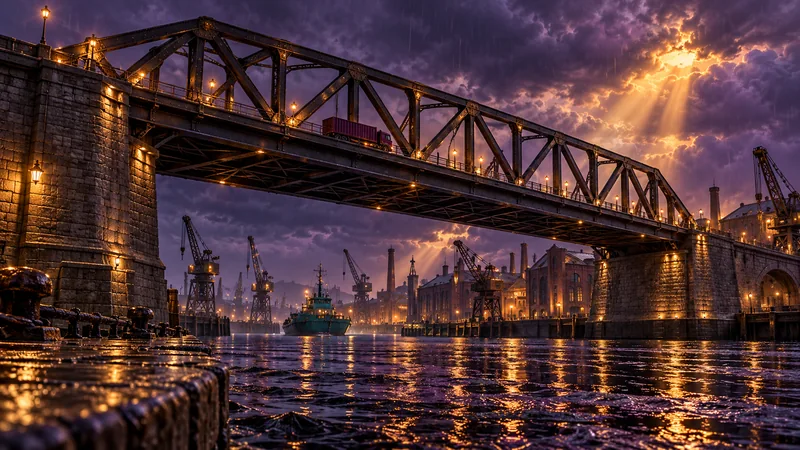
Heavier cargo and a side load put each connection to work. Keep the navigation channel open and make the night delivery count.
Explore this worksite ↗
Brocko brings the patience to build, the nerve to test and the sense to try again. His field notes offer a direction when a crossing needs another look.
That is the spirit behind Bridgeworks: start with a useful idea, understand the constraints and improve what you can actually see.
Meet Brocko ↗Prefer the keyboard? Use the labelled From joint and To joint selectors, then Connect joints. Undo reverses your last change. P or Escape pauses a test. There is no countdown while you build.
The road needs a supporting structure. In this game, beams connect through movable joints, so a flat line can fold under a load. Triangles help hold the shape. Connect the triangles back to the fixed anchors and avoid loose members that end at unsupported joints.
Every road section and beam uses build points. A longer beam costs more; steel costs more than timber. These points are only a design limit inside this game. They are not money, tokens or an account balance. The material total includes the fitted road.
Green indicates a lighter load, amber means a member is working harder and red shows an overload. The percentage compares the member’s force with its game capacity. A successful delivery earns one star. Keep the peak member load at or below 82% for a second. Meet that condition and the displayed three-star budget for the third.
Yes. Load a tested plan opens a working design for the current crossing. It replaces the beams on the table, but Undo brings your previous design back. Inspect its connections, test it or refine it. Hints do not reduce stars or prevent your Bridge Builder stamp.
Each design, your selected crossing and your best completed results stay in this browser when local storage is available. A running delivery restarts when you reload. Complete Terracotta Ravine, then check My Passport to connect the finished stamp to your account. Individual bridge designs stay on this device.
Bridgeworks uses a simplified truss model: the connections, material stiffness and moving cargo affect the result. It also applies a simplified limit to long members under compression. Loads and materials use fictional game values; visual bending is enlarged to make the behaviour easier to see. Beams connect at the marked joints, not where two lines happen to cross.
All twelve crossings are free to play. You do not need a wallet or purchase. Signing in lets you connect a completed passport stamp to your BANZORAMA account. Building and testing happen in your browser.